Lesson 2: Install R and RStudio
To get started using R, there are two key pieces of software to download and install: the R programming language itself and RStudio, an integrated development environment (IDE), that makes it easier to use R.
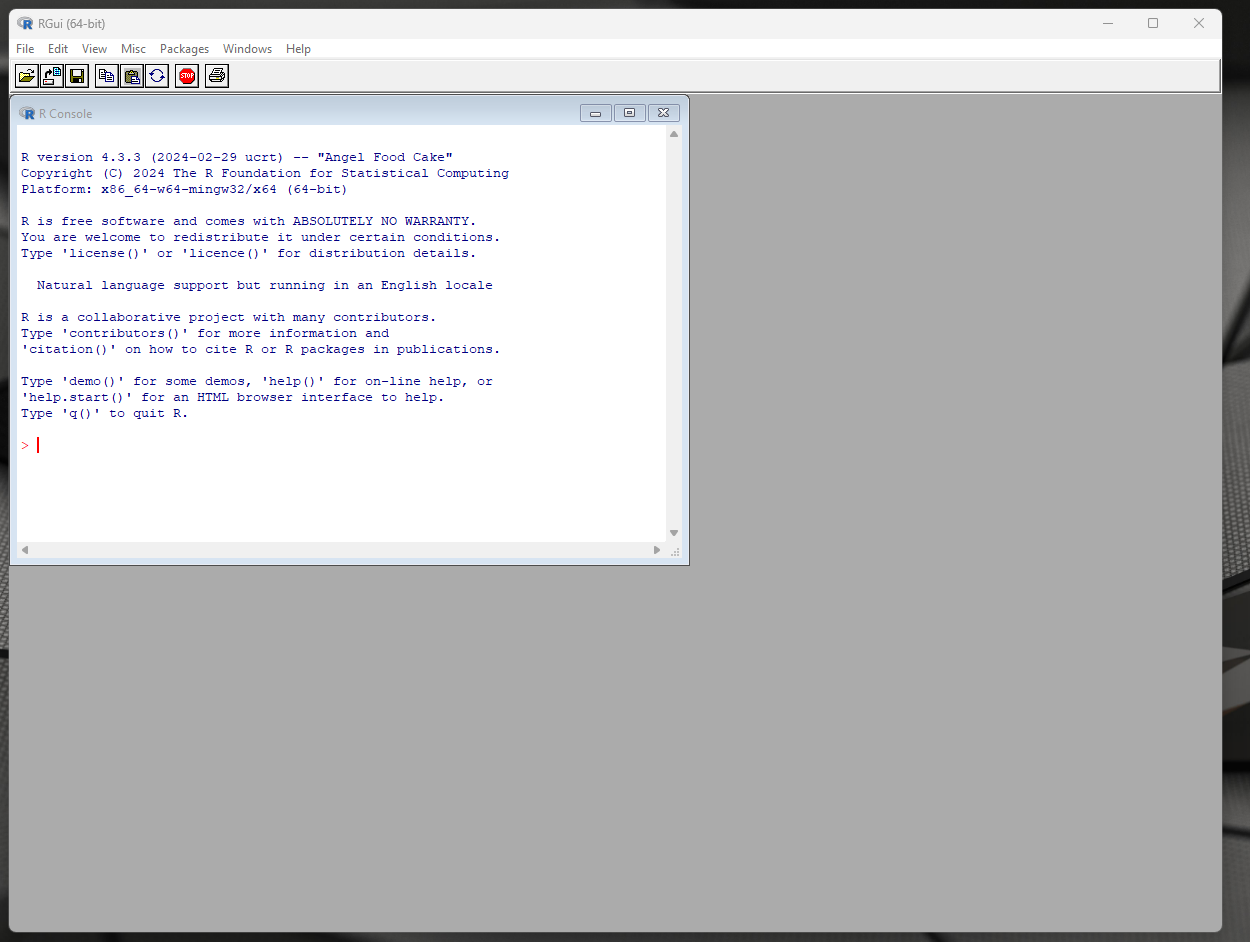
This is R:

And this is RStudio:

When you want to do some R coding, 99 times out of 100 you should open RStudio. One nice way to think of the relationship between R and RStudio is that R is like a car’s engine and RStudio is a car’s dashboard.
Install R
To install R, visit https://cran.r-project.org/ and click on the “Download R for [Operating System]” link for your operating system (Linux, macOS, or Windows). From the next page, click the link called “base.” And finally, click the “Download R-4.3.3 for [Operating System]” link. This will download an executable file that contains the most recent version of R.
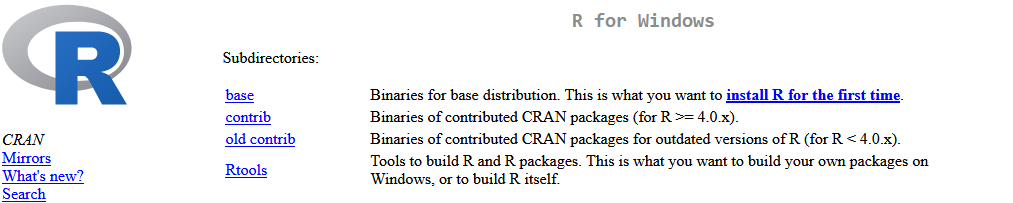
R version 4.3.3 was the current version of R as of this writing (March 2024), but when you install R, there will likely be a more recent version release. You should install the most recent version of R that is available for download.
After you’ve downloaded R, navigate to the folder to which you’ve downloaded the software and double click on the file to begin the installation process. Continue through all the installation prompts. When you’re done, you’ll see something like this.
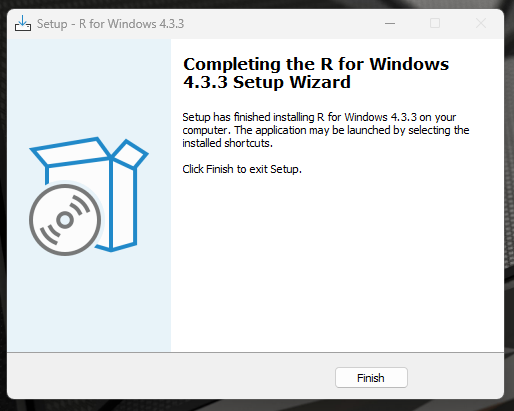
Congratulations! R is now installed on your computer. There should be an R icon on your desktop that can be used to open R. Double click the icon to open R and you’ll see a window that looks like this. R can be used in this way, but most people find it easier to use R through an IDE such as RStudio.
Install RStudio
RStudio is an IDE made for R that makes it more convenient to use R by giving users access to additional features. To install RStudio, download RStudio Desktop from the Posit website. Click the second blue button “Download RStudio Desktop for [Operating System]” to download.
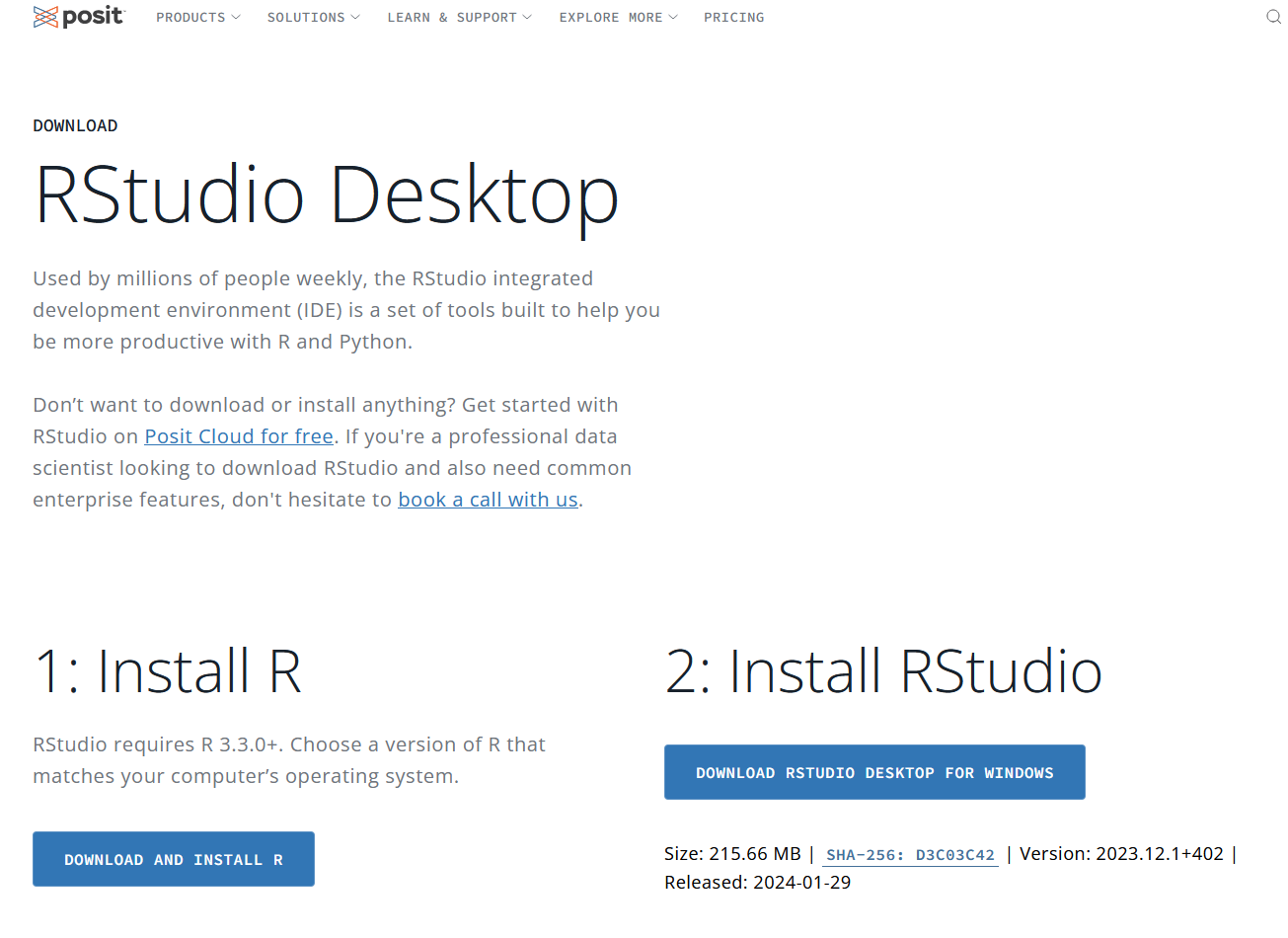
After you’ve downloaded RStudio, navigate to the folder to which you’ve downloaded the software and double click on the file to begin the installation process. Continue through all the installation prompts. When you’re done, you’ll see something like this.
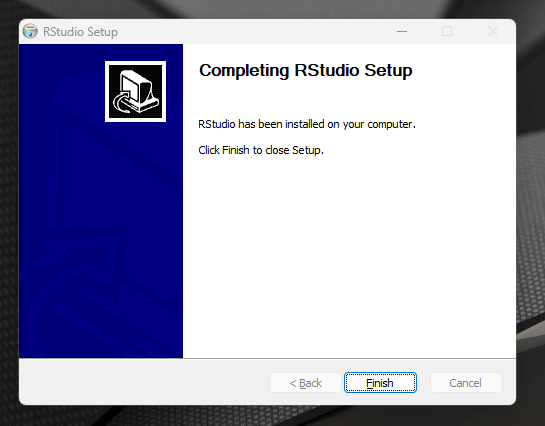
RStudio is now installed on your machine. Find the RStudio shortcut on your desktop or in your file browser and double click to open.
Resources
- Statistical Inference via Data Science: A ModernDive into R and the Tidyverse!, Second Edition Chapter 1.1: https://moderndive.com/v2/getting-started.html#r-rstudio